
Guide
Getting started with Soli
This guide covers every step from sign-up to your first call, in the order you’ll do it. Plan on one sitting for the account and another for the desktop setup.
- 7 steps
- About two sittings
- Updated Oct 2026
Before you start
- Your practice’s EIN. Any business type works, including a sole proprietor with an EIN.
- The legal name and address of your practice, exactly as the IRS has them.
- A card for your first month. If Soli isn’t right for you, ask for a refund within 30 days.
- A Mac or Windows computer for the desktop app, and your iPhone or Android phone.
Step 1: Create your account on the web
Sign up with your email, then enter your practice details and EIN. Choose a plan, add a card, and review and sign the BAA. Turn on two-step sign-in to finish.
Step 2: Install the desktop app
Download Soli for Mac or Windows and sign in. The app makes your practice’s encryption keys on your computer and asks you to save a recovery code.
macOS 12 or laterAlso for Windows
Windows 10 or laterAlso for Mac
Keep your recovery code somewhere safe. It’s how you get back in if you lose your devices, and we can’t reset it for you.
Step 3: Confirm your 911 address
Before you get a number, confirm where your practice is. Every line is registered to this address for 911.
Step 4: Get your number
Pick a local number. If you already have a practice number, keep it and forward it to your new Soli line so clients keep calling the number they know.
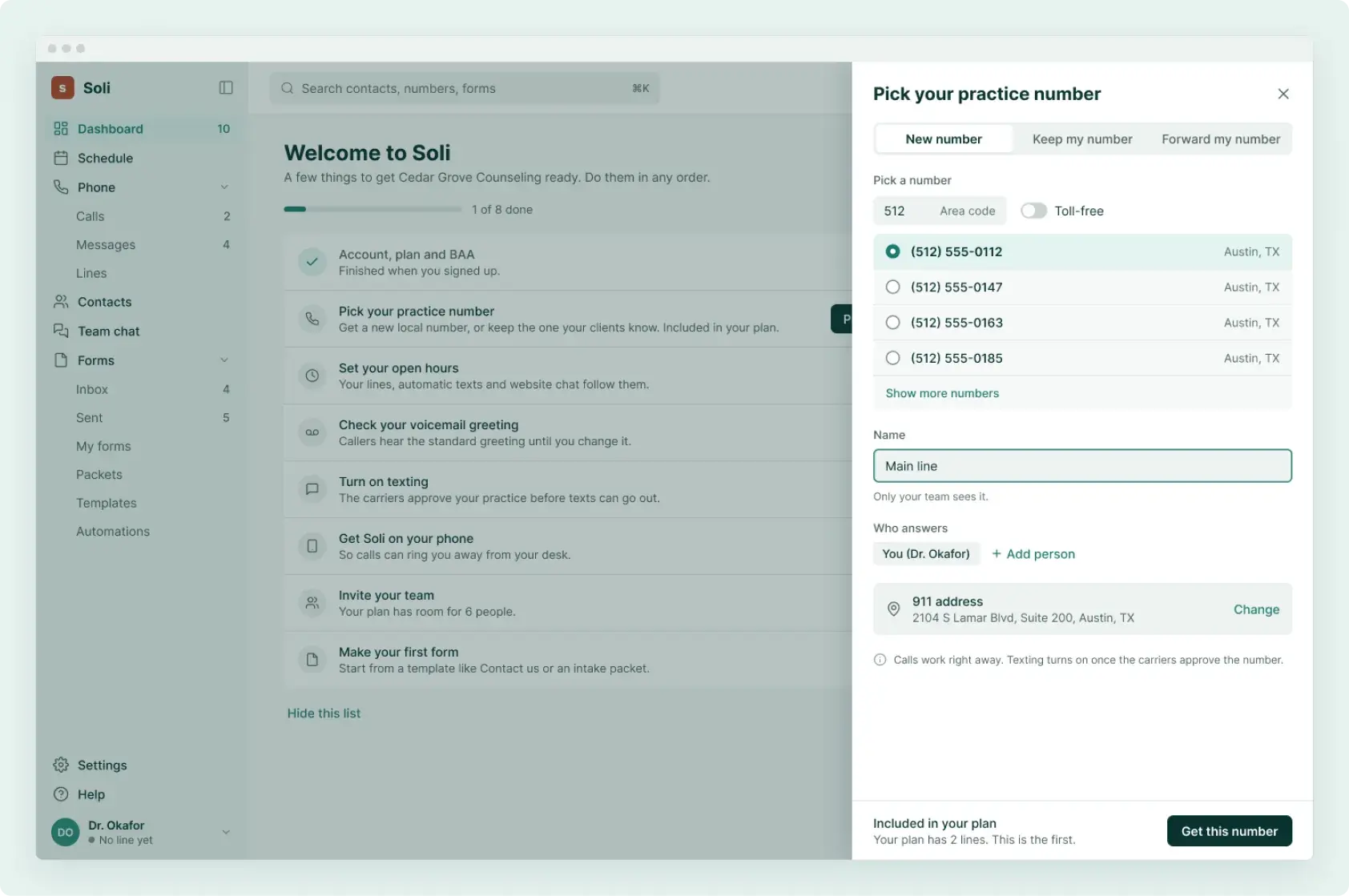
Step 5: Turn on texting
US carriers require every business that texts to register. You submit the registration from the app with your EIN, and Soli sends it to the carriers. It’s a one-time $19.50 per line.
Calls work straight away. Texting, and missed-call text-back or after-hours replies if you turn them on, start once carriers approve your registration.
Step 6: Add your website form and chat
Choose a contact or new-client form, write your practice facts for website chat, and paste the snippet into your site.
Adding Soli to your websiteStep 7: Invite your team and link your phone
Invite clinicians and front desk staff and choose who rings on each line. Then install the Soli phone app and sign in with your account and two-step sign-in.
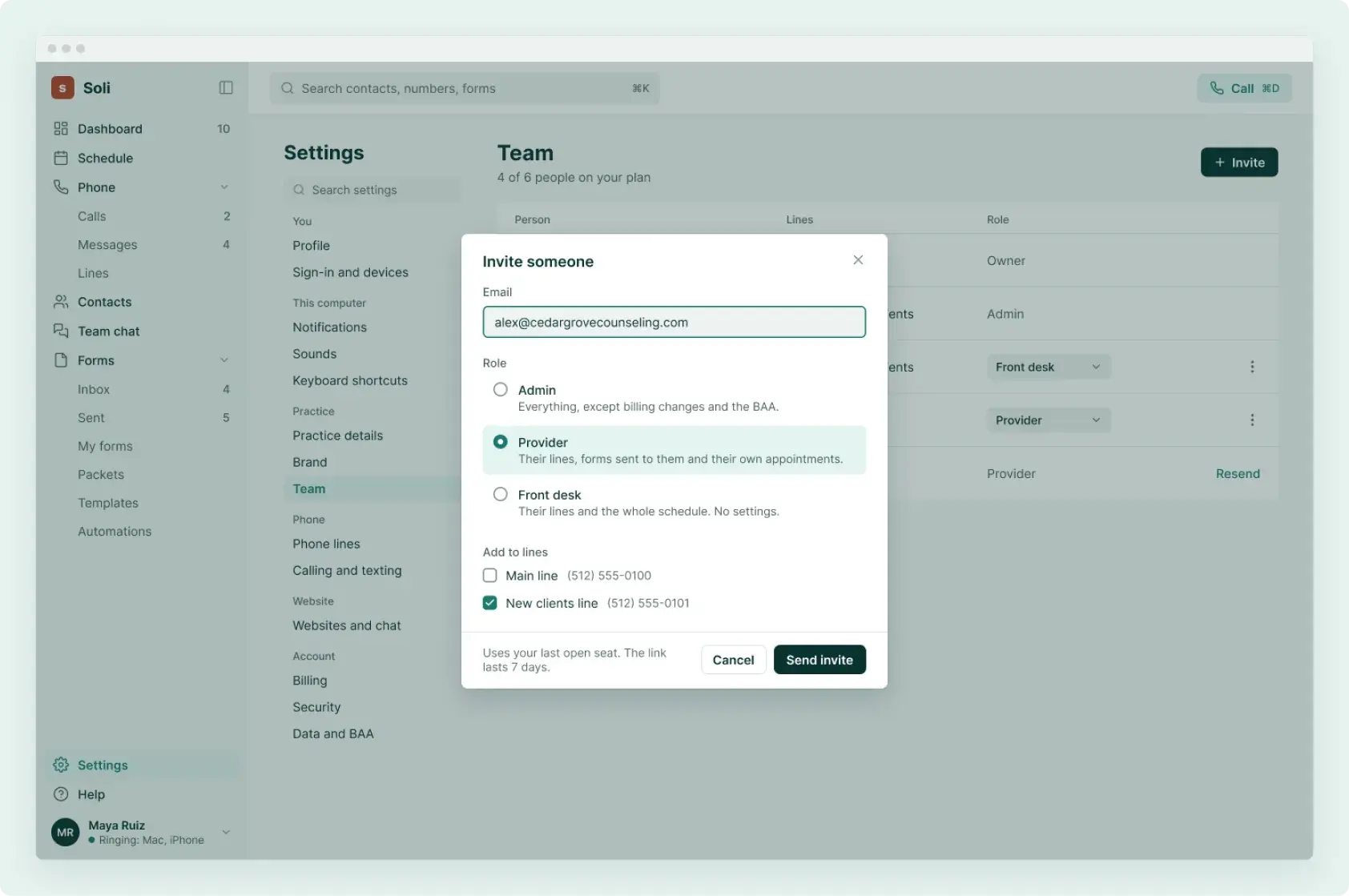
Optional: the AI receptionist
Add it from the app when you’re ready, choose when it answers, and write down your practice facts. BAA coverage is coming soon; until then it’s set up not to ask callers for health details.
How the AI receptionist worksNeed a hand?
Email support@meetsoli.com and we’ll walk you through any step.